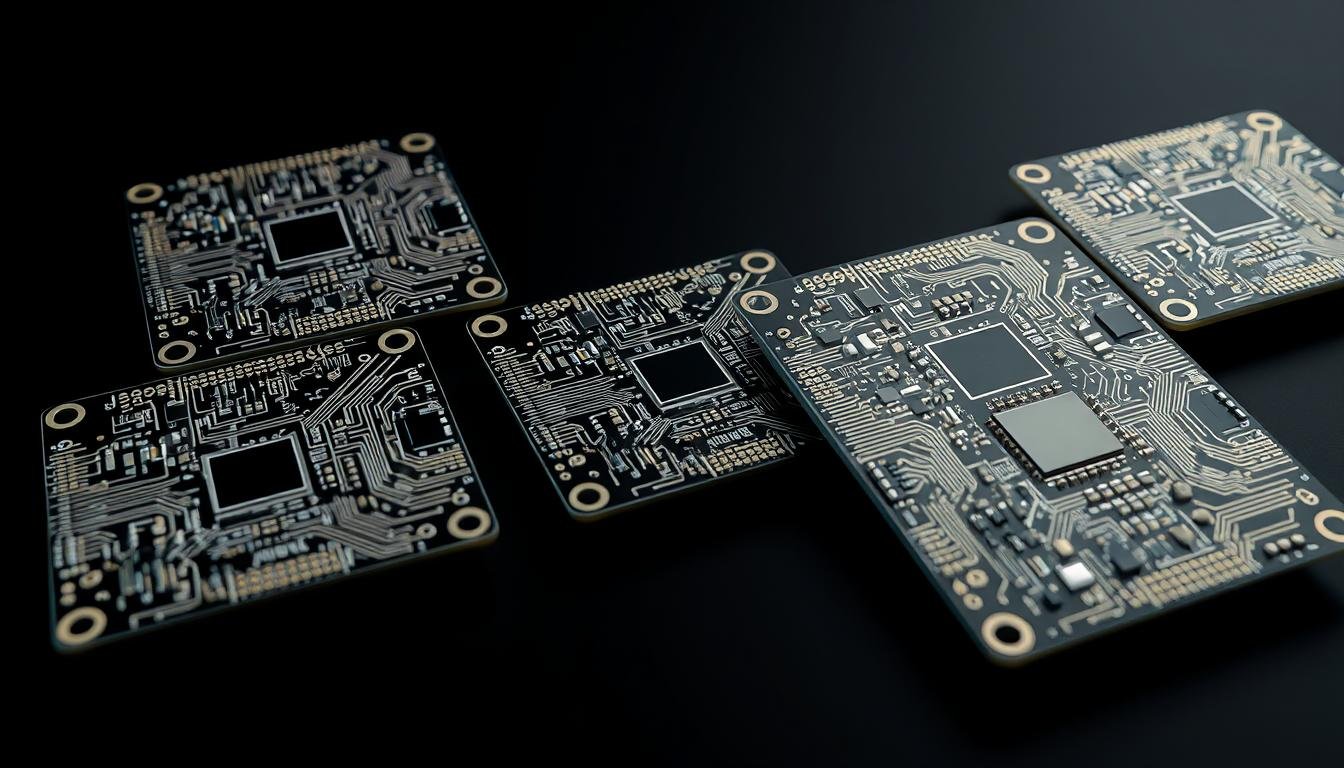
Designing a single PCB under one Altium project is common practice, but what happens when you need to create multiple PCB variants with different stuffing options?
We’ve seen designers struggle with this challenge, often resorting to copying and pasting project files and making slight variations to the schematic and/or PCB. However, this approach can lead to inconsistencies and errors.
In this article, we’ll explore the challenges and solutions for managing multiple PCB variants within a single project environment, ensuring a single source of truth for your PCB designs while accommodating different board variants.
Key Takeaways
- Maintain a single source of truth for your PCB designs while accommodating different board variants.
- Configure variants with different stuffing options without duplicating project files.
- Organize project files, schematics, and PCB layouts for multiple board variants that share common elements.
- Streamline your design process and reduce redundancy.
- Ensure changes are properly propagated across all variants.
The Challenge of Multiple PCB Variants
As PCB designs become increasingly complex, managing multiple variants within a single project presents a substantial challenge. Designers often struggle to maintain consistency across different versions, leading to potential errors and inconsistencies.
We encounter several issues when dealing with multiple PCB variants, including maintaining synchronization between designs and tracking component changes. This complexity can result in significant challenges for designers, particularly when implementing design changes across multiple variants.
Common Problems with Multiple PCB Designs
Managing multiple PCB designs within a single project can lead to several common problems. These include maintaining synchronization between variants, ensuring identical changes across multiple designs, and tracking which components should be included or excluded in each variant. The complexity of these tasks can be overwhelming, especially when dealing with multiple revisions and variant cycles.
| Problem | Description | Impact |
|---|---|---|
| Synchronization | Maintaining consistency across variants | Errors and inconsistencies |
| Component tracking | Identifying components for each variant | Inaccurate BOMs |
| Design changes | Implementing changes across multiple variants | Increased risk of errors |
The Pitfalls of Copy-and-Paste Project Management
The traditional copy-and-paste approach to managing multiple PCB variants can lead to significant challenges. By creating separate files for each variant, designers risk encountering version control nightmares and inconsistent updates. This method also makes it difficult to implement design changes across multiple variants, increasing the risk of errors and inconsistencies.
To avoid these pitfalls, we need to adopt a more streamlined approach to managing multiple PCB variants. By leveraging advanced design tools and methodologies, we can ensure consistency and accuracy across different versions, reducing the risk of errors and improving overall design efficiency.
Establishing a Single Source of Truth for Multiple PCBA Variants

To manage multiple PCBA variants effectively, it’s crucial to establish a single source of truth within your project. This foundational step ensures that all design variations are managed from a unified schematic, maintaining consistency and reducing errors.
Creating a Comprehensive Schematic for All Variants
A comprehensive schematic that includes all components across different variants is the backbone of multi-variant PCB design. By incorporating all components into a single schematic, you ensure that the electrical design remains consistent, regardless of the specific board variant being developed.
Setting Up Component Variants and Stuffing Options
Configuring component variants and stuffing options is critical for managing multiple PCB variants. Designating certain components as “Do Not Install” (DNI) for specific variants allows you to control which parts are included in each board design without altering the master schematic.
Managing Different PCB Layouts from One Schematic
Managing different PCB layouts from a single schematic requires careful planning. Techniques such as using variant-specific parameters and properties enable you to control which components are included in each PCB layout, ensuring that the design remains consistent and error-free.
| Variant | Components Included | PCB Layout Considerations |
|---|---|---|
| Raspberry Pi Standard | All components, including AC-to-DC converter | Full-size PCB, extra room for additional components |
| Raspberry Pi Zero | Essential components, excluding AC-to-DC converter | Smaller PCB size, component placement optimized for space |
Implementing Effective Output Management for PCBA Variants

Effective output management is crucial for streamlining the manufacturing process of PCBA variants. Once the schematic and PCB variants are established, configuring Output Job files becomes a critical step. This process ensures that each variant is produced correctly and that the manufacturing process is efficient.
Configuring Output Job Files for Different Variants
Configuring Output Job files for different variants involves creating separate output configurations that generate the appropriate documentation for each board variant. This step is essential for ensuring that the manufacturing process is carried out correctly. By setting up Output Job files specifically for each variant, we can ensure that the correct fabrication and assembly packages are generated.
Using Special Strings for Automated Folder Structure
Using Special Strings in folder structure settings allows for the automatic creation of organized output directories based on variant names. This feature ensures a clear separation of manufacturing files, reducing the risk of confusion and errors. By leveraging Special Strings, we can maintain a structured and organized approach to output management.
Generating Fabrication and Assembly Packages
Generating variant-specific fabrication and assembly packages is a critical step in the output management process. These packages must accurately reflect the stuffing options and component configurations for each board design. By automating the generation of these packages, we can minimize manual intervention and reduce the risk of errors, ensuring a smoother production process.
By implementing these strategies, we can ensure that our output management process is efficient, accurate, and tailored to the specific needs of each PCBA variant. This approach not only streamlines the manufacturing process but also enhances the overall quality of the final product.
Conclusion
The strategies outlined in this article provide a comprehensive framework for handling multiple PCBA variants within a single project. By implementing these techniques, designers can maintain a single source of truth for their designs while accommodating the specific requirements of different board variants.
Efficient Management of Multiple Variants is achieved through meticulous project organization and output management. This approach allows for the efficient handling of component variants, different board layouts, and variant-specific output generation, all while preserving the integrity of the underlying design.
The benefits of this methodology are multifaceted:
- Streamlined revision control and consistent design updates reduce maintenance overhead.
- Proper project organization significantly reduces the time required to implement design changes across multiple variants.
- Clear, variant-specific documentation reduces confusion and potential production errors in manufacturing.
- The techniques described can be extended to multi-board design scenarios, enhancing design coherence across complex systems.
We encourage designers to explore these techniques in their own projects and join our forum discussions to share experiences and best practices for managing complex PCB variant scenarios. By doing so, we can collectively enhance our approach to PCB design and manufacturing, leveraging the power of a unified design process.
FAQ
What are the common issues when designing multiple PCBA variants?
How can I create a single schematic for multiple PCBA variants?
What is the best way to organize output files for different PCBA variants?
Can I manage different PCB layouts from a single schematic?
What are the benefits of using a single source of truth for multiple PCBA variants?
How do I generate fabrication and assembly packages for different PCBA variants?
About The Author
